Last updated: 2025-09-19
Last Active Distributor
Use the Last Active Distributor option to display a list of distributors in the order that they were last opened. From the side menu, click Utilities and then select Last Active Distributor from the expanded menu to display a list of the most recent active distributors.
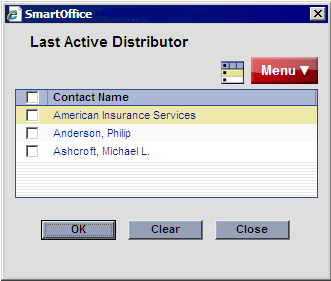
Select a producer/firm and then click the OK button to display it. When more than one distributor is selected, the records are displayed in the Distributor List.
To purge distributors from the Last Active Distributor dialog box, tag them and then select Clear from the expanded Menu list. Purging distributors in this way does not delete them from the database.