Last updated: 2025-11-14
SmartPolicies - Activity/Mail Content Link
In this Topic [Show/Hide]
Overview
When viewing a policy, click the Activity/Mail content link to access all calendar activities and e-mail messages related to that policy.
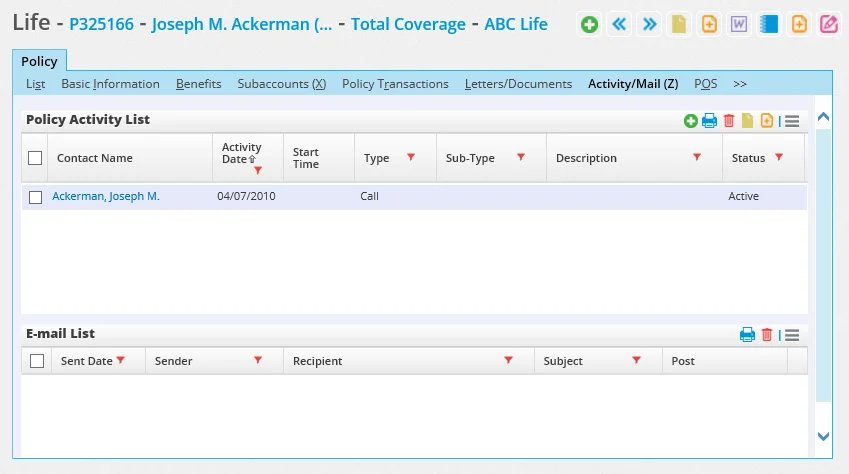
Policy Activity List Section
This section displays all calendar activities linked to the current policy.
To add a new activity:
- Click the Options button → Add 'Activity' record
- In the Related Contacts dialog, select the participants
- Complete the activity details in the Activity dialog that opens
See: Creating Activities
E-mail List Section
This section displays all e-mail messages that have been linked to the current policy (via SmartOffice correspondence or drag-and-drop from Outlook using the plug-in).