Last updated: 2025-09-19
Signing Out of SmartOffice Pro
Important: To sign out of SmartOffice, do not simply close the browser window. This can cause unexpected behavior during subsequent sign-ins. Follow these steps to properly sign out of SmartOffice:
- Open the profile menu and select the Sign Out
 button.
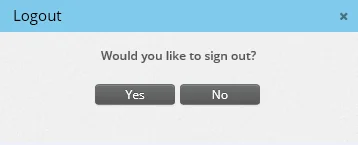
 - When the confirmation message appears, select the Yes button.