Last updated: 2025-11-17
SmartOpportunities - Activities Content Link
In this Topic
Overview
While viewing/editing an opportunity, the user can access this content link to track calendar activities associated with the opportunity.
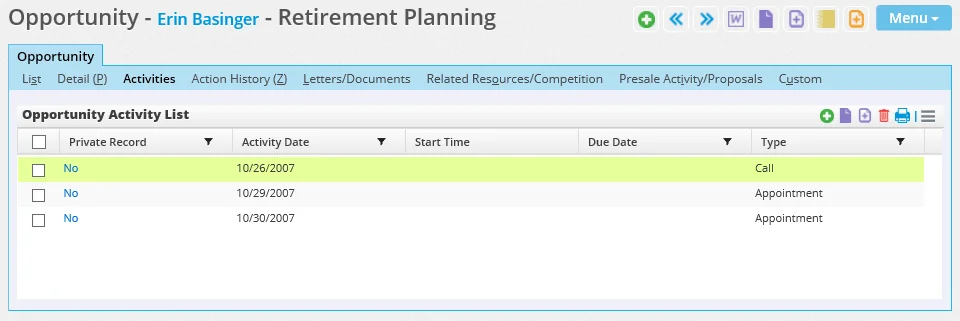
Adding a Calendar Activity to an Opportunity
- From the Activities content link, select Menu > New 'Activity' record to open the Activity dialog box. SmartOffice automatically inserts the current opportunity into the Opportunity field.
- Enter the activity details.
- Click the Save & Close button.