Last updated: 2025-09-19
Insurance Carriers - Searching for Carriers
To display a list of carriers in SmartOffice:
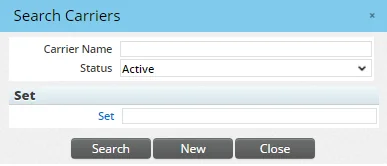
- From the side menu, select Insurance > Carriers to open the Search Carriers dialog box.
- Do one of the following:
- Leave the fields blank to find all carriers in the system.
- To narrow down the list of results, enter the carrier name, select a status and/or click the Set hyperlink to select a set.
- Click the Search button to display the Carrier List.
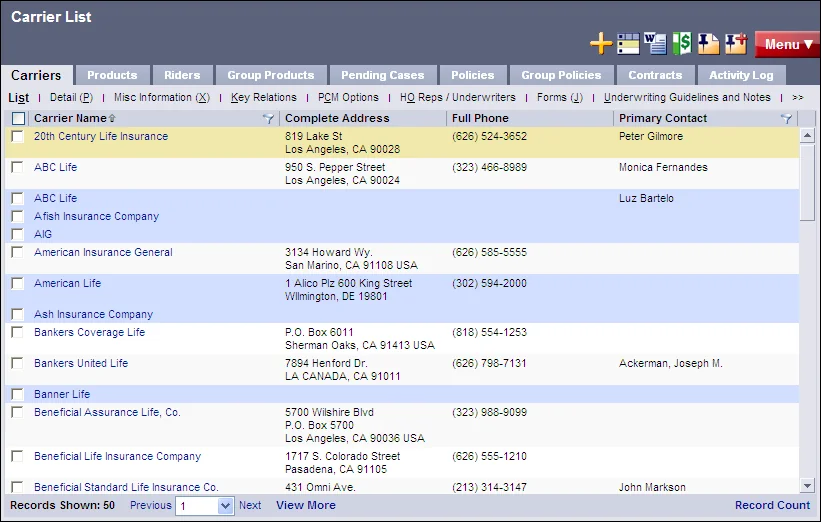
Carriers from higher offices and system offices are highlighted in blue. For more information about working with lists in SmartOffice, see Lists - Introduction.
Other ways to access the carrier module in SmartOffice:
- In the Search box, select Resource > Carrier from the drop-down list, and then click the Search button
 .
. - While viewing a policy, pending case or product, select the Carrier field hyperlink.