Last updated: 2025-11-17
Pending Cases - Activity/Mail Content Link
Overview
When viewing a pending case, the user can access this content link to track case-related activities and any case-related e-mail messages that have been sent.
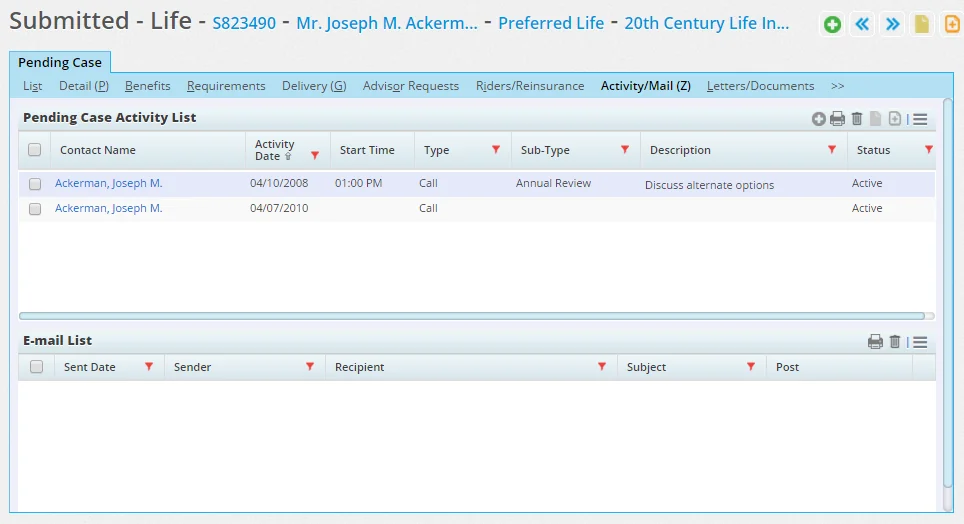
This content link has two sections: Pending Case Activity List and E-mail List.
Pending Case Activity List Section
To add an activity for a pending case from this section:
- Click the Options button
 and select Add 'Activity' record to open the Related Contacts dialog box.
 - Select a contact to open the Activity dialog box.
- Enter the details of the activity.
- Enter the activity details and click the OK button.
E-mail List Section
The E-mail List tracks case-related e-mail messages. The user can read and delete messages from this list. For more information about sending e-mail, see Correspondence.