Last updated: 2025-09-19
SmartEvents - Tracking Unfinished Event Activities
Overview
After all tasks have been assigned for an event, a SmartEvents user can get a quick overview of unfinished event tasks by selecting Sales & Marketing > Unfinished Event Activities from the SmartOffice side menu to open the Event Activity List.
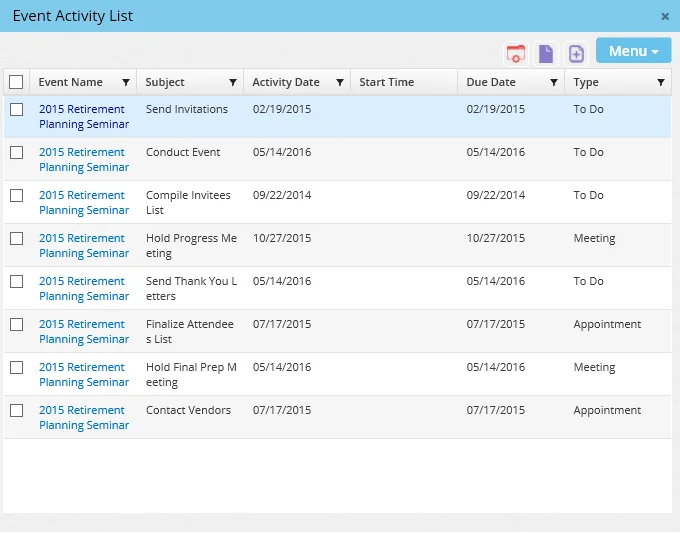
If the user is an event coordinator (see SmartEvents - Detail Content Link), the list displays unfinished events for all users involved with the event. Otherwise, only the sign-in user's unfinished activities are displayed.
Viewing and Managing Unfinished Activities
The user can view and manage events from this list in any of the following ways:
- Click the first-column hyperlink of an event to open the Activity Detail dialog.
- Position the mouse pointer over the first-column hyperlink of an event to view its Information Card.
Unfinished Activity Alerts
A user will receive alerts about unfinished activities through the Alert Center if both of the following are true:
- The activity has not been completed within the timeframe specified in the task setup.
- The user has the Unfinished Event Tasks option enabled in [User Preferences
- Alert Center](/help/pro/user/preferences/-/alert/center).